

Guide
6 Mistakes That Make People Quit Morse Code
Morse Code is not hard. Most people just start from the wrong end of it.
Last updated:
Table of Contents
- Mistake 1: Code learned by eye cannot be heard
- Mistake 2: Starting slow builds a wall at 10 WPM
- Mistake 3: Learning everything at once hides your progress
- Mistake 4: Only learning to receive is half the skill
- Mistake 5: The hard part is still being there in week three
- Mistake 6: Studying in a language you are still translating
- What the first week actually looks like
Almost everyone who sets out to learn Morse Code does the same thing: finds an alphabet chart, memorises that A is ·— and B is —···, and gives up a few weeks later.
They do not give up because the code is difficult. There are six familiar traps and nearly everyone falls into at least one. Here is what each of them is, and how MorseKit is built to get around it.
Mistake 1: Code learned by eye cannot be heard
Study from a chart and your brain files each character as a shape. Think "A" and you picture the words "dot dash". But on the air, or in a recording, Morse Code is not a shape. It is a sound. You have to turn the sound into a shape, then the shape into a letter, and those two steps pin you at roughly one character a second forever.
Real operators do not work that way. They hear ·— and do not count anything: "di-dah" simply is an A, the way you read a word without spelling it out.
In MorseKit
Lessons are built on the Koch method: no chart to memorise, sound from the first minute. You begin with two characters, and the third does not arrive until you recognise those two the instant you hear them.
What the Koch method is and why it works: the Koch method, step by step.
Mistake 2: Starting slow builds a wall at 10 WPM
This is the expensive one. Most guides say start slow and speed up later. It sounds obviously right and it does the opposite of what you want: at slow character speeds there is enough space inside each character to count the elements, so your brain learns to count. Speed up and there is no time to count, and you are back at the beginning.
In MorseKit
Farnsworth timing is the default: characters stay crisp at full speed and the only thing you stretch is the silence between them. There is no wall to hit later, because you learned the right sound from the start.
How Farnsworth timing works, with worked speeds: Farnsworth spacing explained.
Mistake 3: Learning everything at once hides your progress
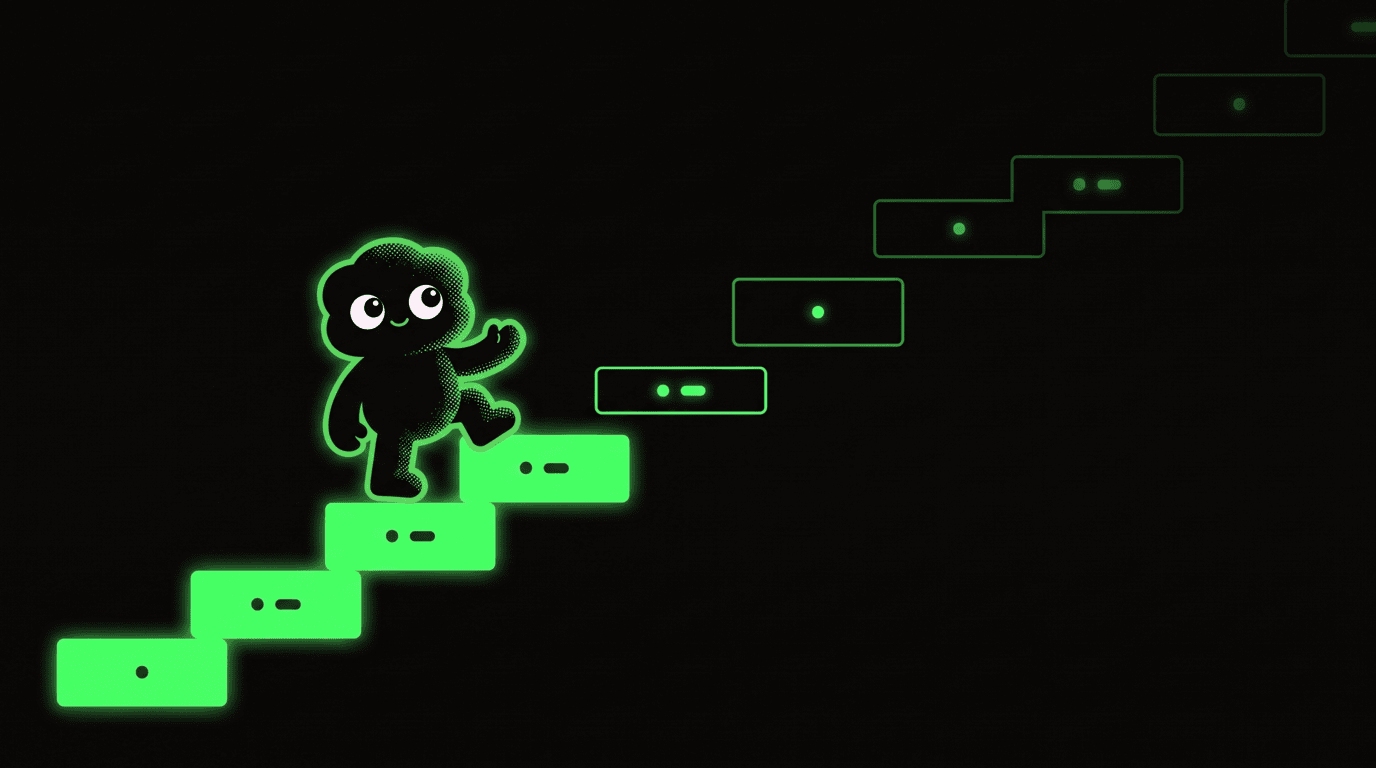
Taking on all 26 letters together is the most tiring route there is. You never get good at any of them, so you never feel like you are getting anywhere, and nobody keeps doing something that feels like standing still.
MorseKit splits the alphabet, the numerals, punctuation, prosigns and Q-codes into 12 frequency bands. Every lesson runs the same five stages:
- 01 Introduce You see and hear the new character together, so its sound lands before anything else.
- 02 Recognise Screen off, sound only. This is the part that builds auditory memory.
- 03 Mixed practice The new character comes back shuffled with everything before it. Mastery happens here.
- 04 Transmit You send it yourself, with a straight key or an iambic paddle.
- 05 Word practice Single characters give way to words, then to back-and-forth conversation.
The order is not arbitrary: a band stays shut until the one before it is cleared, so you always know where you are and how much is left.
Start the first of the 12 bands today
The first lesson takes ten minutes. No account needed.
Mistake 4: Only learning to receive is half the skill
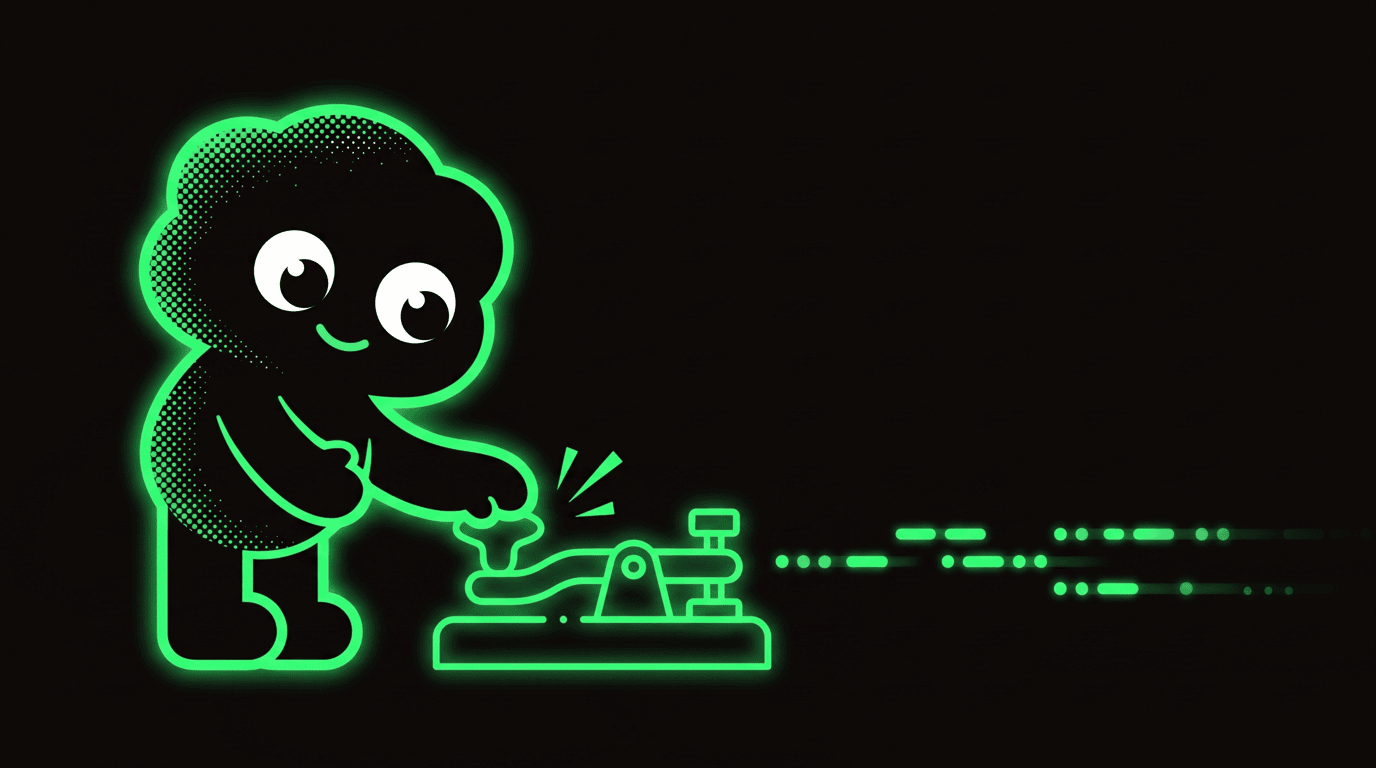
Morse Code runs both ways. If you can copy what you hear but cannot send, it is of no use at a radio or in an emergency. Sending also makes your copying better: a rhythm you have produced yourself is a rhythm you recognise faster. Most courses skip it anyway, on the assumption that it needs extra hardware.
In MorseKit
Sending is inside every lesson rather than bolted on as a separate module, with two input methods: tap the screen for a straight key, or use the iambic paddle real operators work with. No extra hardware. There is also a listen-only mode for days when you want to drill copying alone.

Mistake 5: The hard part is still being there in week three
Day one is not the difficult part. Everyone is keen on day one. The difficult part is putting in a few minutes a day for weeks after the novelty has gone. Two things make that possible: reviewing something before you forget it, and having a reason to come back tomorrow.
In MorseKit
A spaced repetition system tracks the characters you struggle with and brings them back just as they are about to slip, without wasting your time on the easy ones. On top of that there is Morse Daily: one mystery word a day, a minute of work, and the thing that actually gets you to open the app. Speed Round and Word Blitz test your reflexes, and the XP you earn moves you through 15 operator ranks.
Mistake 6: Studying in a language you are still translating
Nearly every Morse Code app is English only. If part of your attention is going on the menus while the rest is meant to be learning a new code, you are spending effort in the wrong place. For a parent teaching a child, or a scout leader working with a group, that alone can be the thing that stops it.
In MorseKit
The interface follows your language, and in right-to-left languages such as Arabic, Hebrew and Urdu the whole layout mirrors, while the Morse output stays left to right, because Morse Code has no direction. The only thing you are working on is the code.
Current list of supported languages: the app page.
Learn in your own language
iPhone, iPad, Mac and Android.
What the first week actually looks like
At the end of a week you have not memorised a chart. You recognise a handful of characters the moment you hear them, and that difference is the whole game.
Start learning Morse code today
Available on iOS and Android. Free to download.
- Learn in just 5 minutes a day
- 5x faster learning with spaced repetition
- Full audio toolkit with adjustable speed
Free · iOS & Android · 27 Languages
See how it worksAuthor

MorseKit is built and maintained by Firstpoint. Every character table on the site follows ITU-R M.1677-1: the dot and dash ratios, the letter and word gaps, and the ITU punctuation set. One dataset drives the translator, the audio engine and the printable cheat sheets, so a correction reaches all three at once. Alongside International Morse the team maintains nine regional variants, including Wabun, Cyrillic, Greek and Arabic, plus 42 Q codes and 18 prosigns, and the same people build the MorseKit apps for iOS and Android. Where a fact rests on a published standard the guides cite it, and where something has not been verified the page says so.